Weaver
Custom Providers and Models
Connect Weaver to additional LLM providers and custom models
Adding Custom API Providers
Weaver allows you to connect to custom API endpoints:
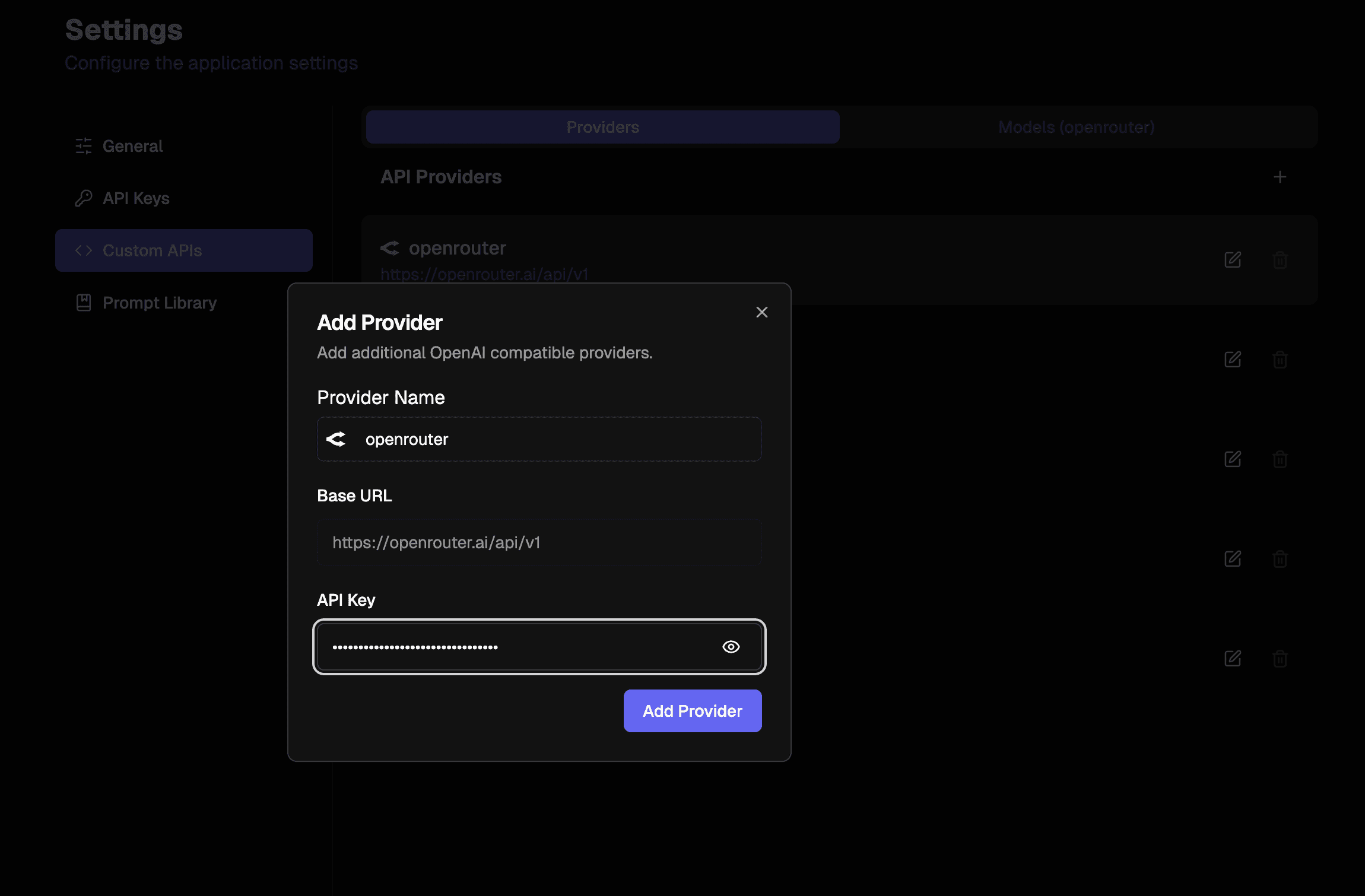
- Go to Settings → Custom APIs tab
- Click the + button to add a new provider
- Enter the provider name (tab for auto-completion)
- The base URL will auto-fill if you select from the autocomplete options
- Enter your API key for this provider
Note that you do not have to use the auto-filled providers/base urls. You can enter whatever OpenAI compatible provider or base url you want
Adding Custom Models
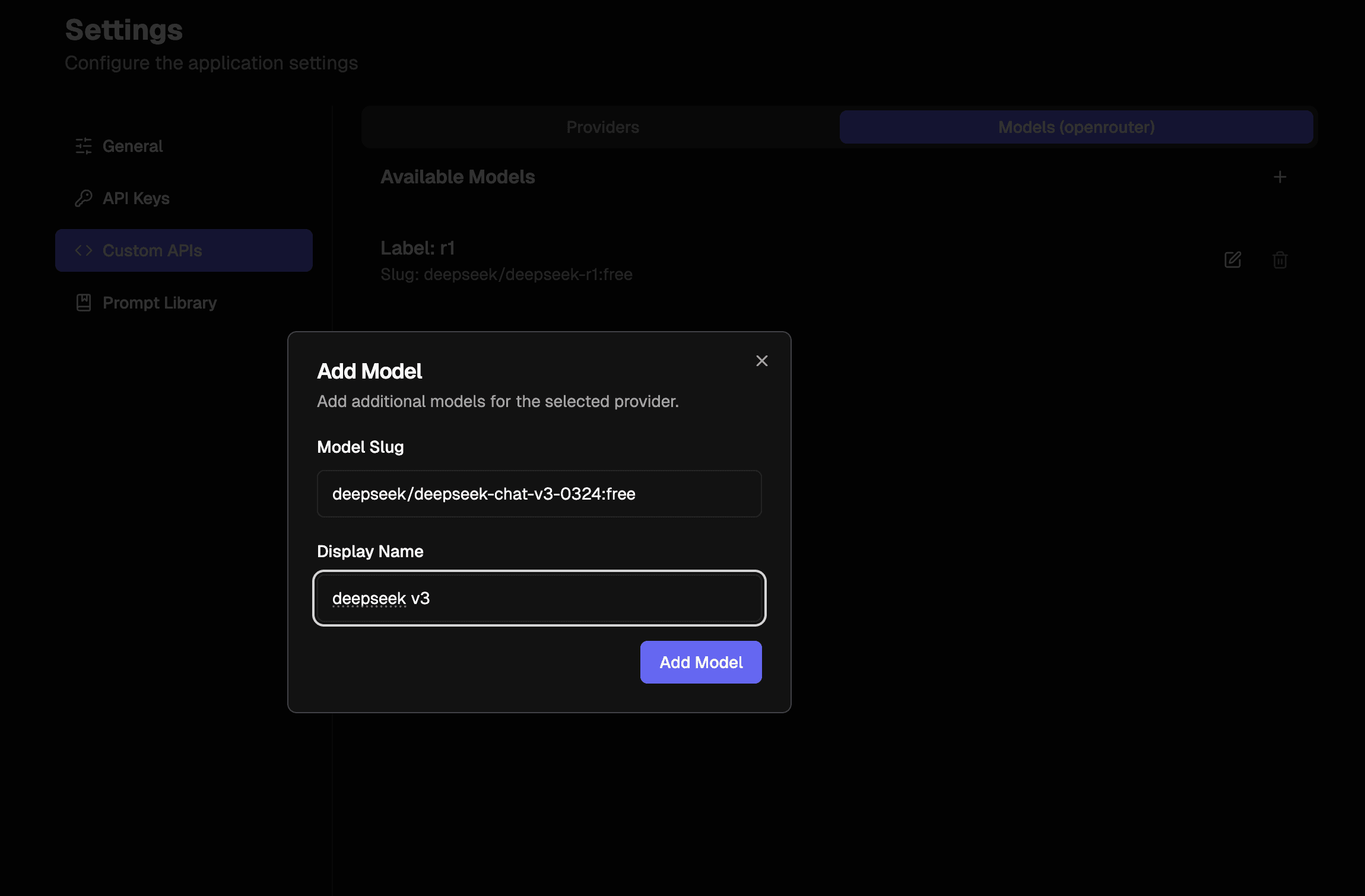
Once you've set up a custom provider:
- Click on your newly created provider
- Select the Models tab
- Press the + button to add a new model
- Enter the model slug (the identifier used by the API)
- Add a display name for the model
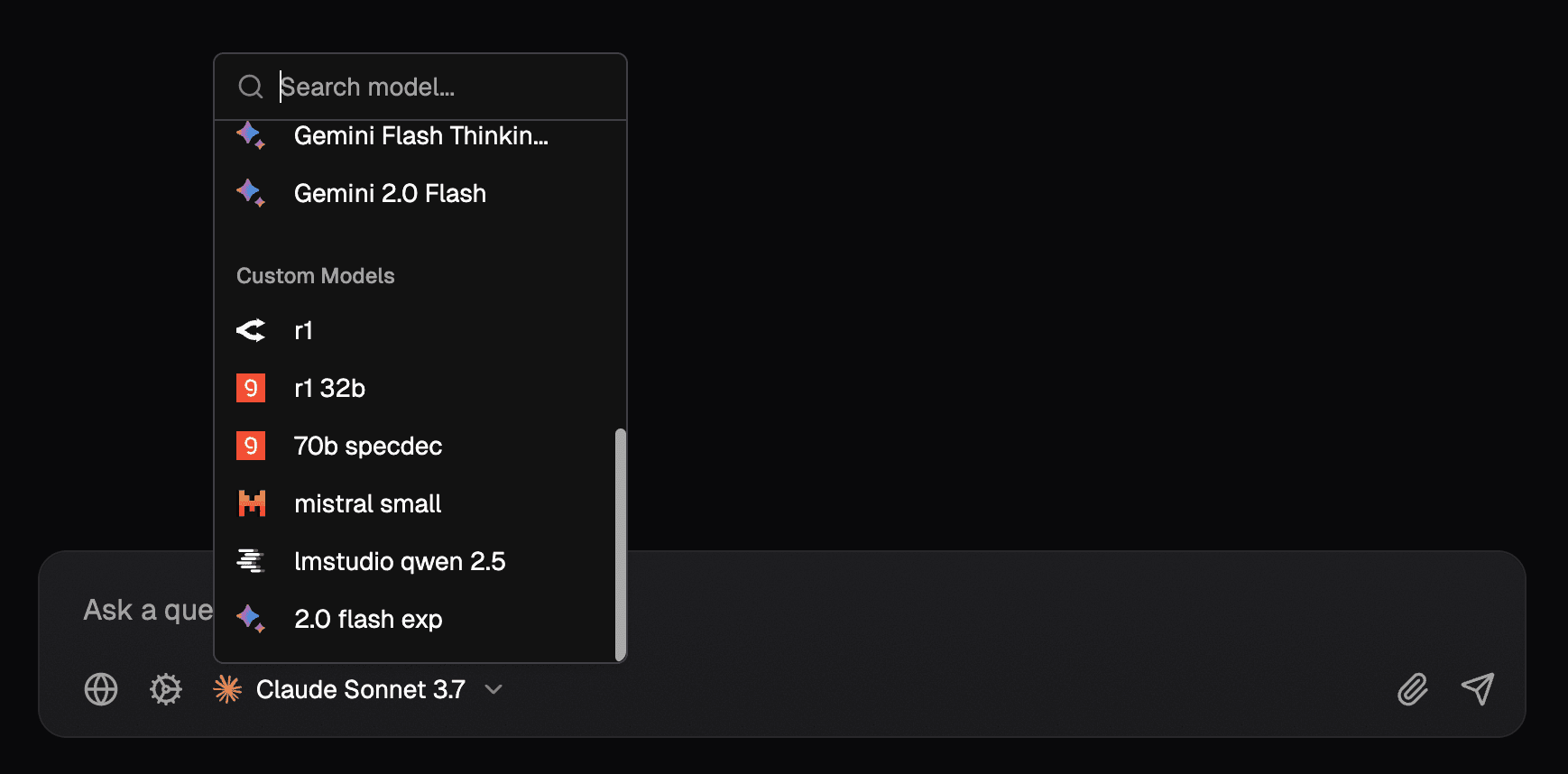
After completing these steps, your custom models will appear in the model picker alongside the default options.