Weaver
Parameters and Extra Features
Master the powerful features and configurations of Weaver
Chat Configuration
For fine-grained control over your conversations:
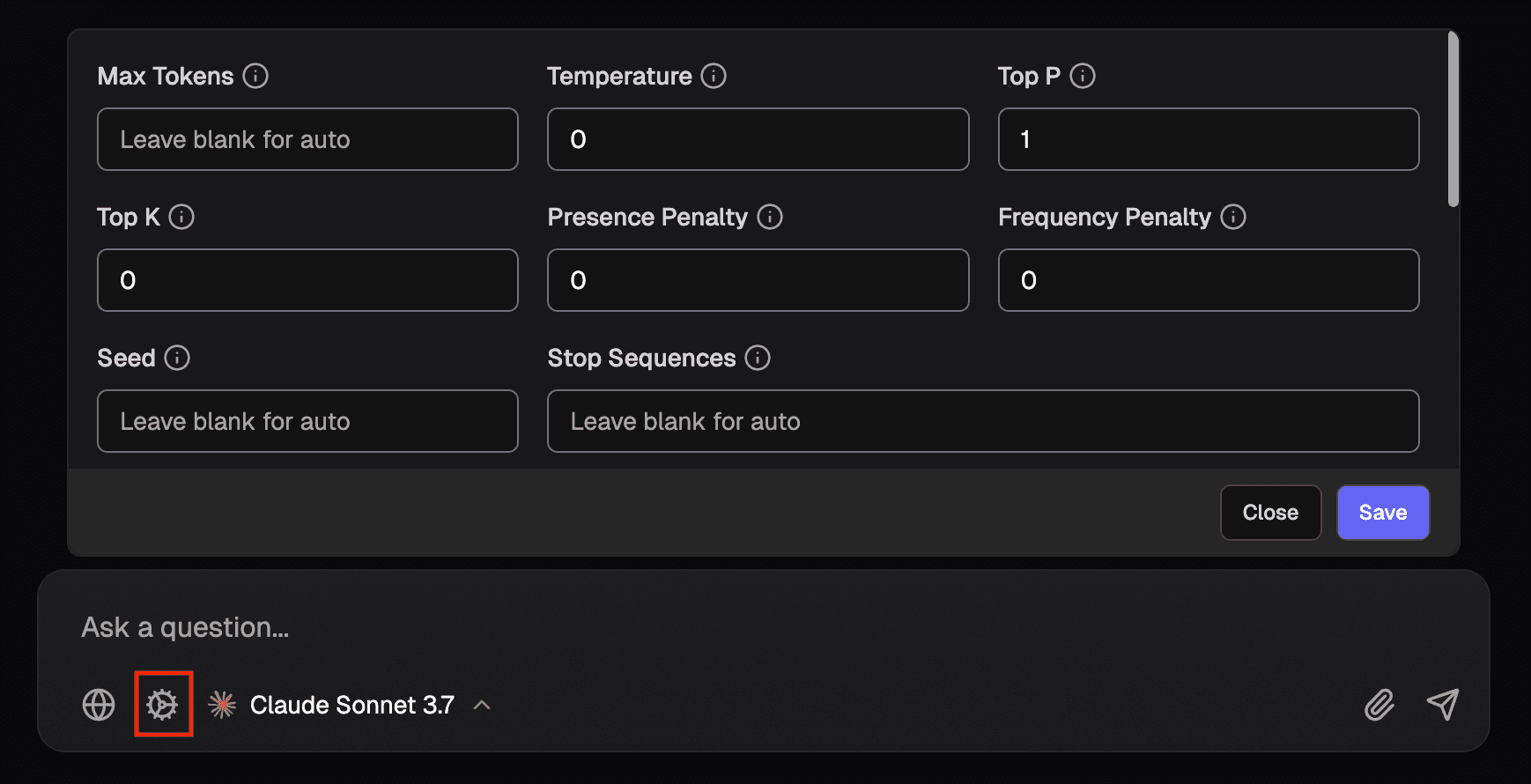
- Click the gear icon next to the model picker in the input bar
- Adjust parameters like temperature and top_p
- Set a custom system prompt or select one from your prompt library (configurable in Settings)
- Press save to save changes
Provider Options
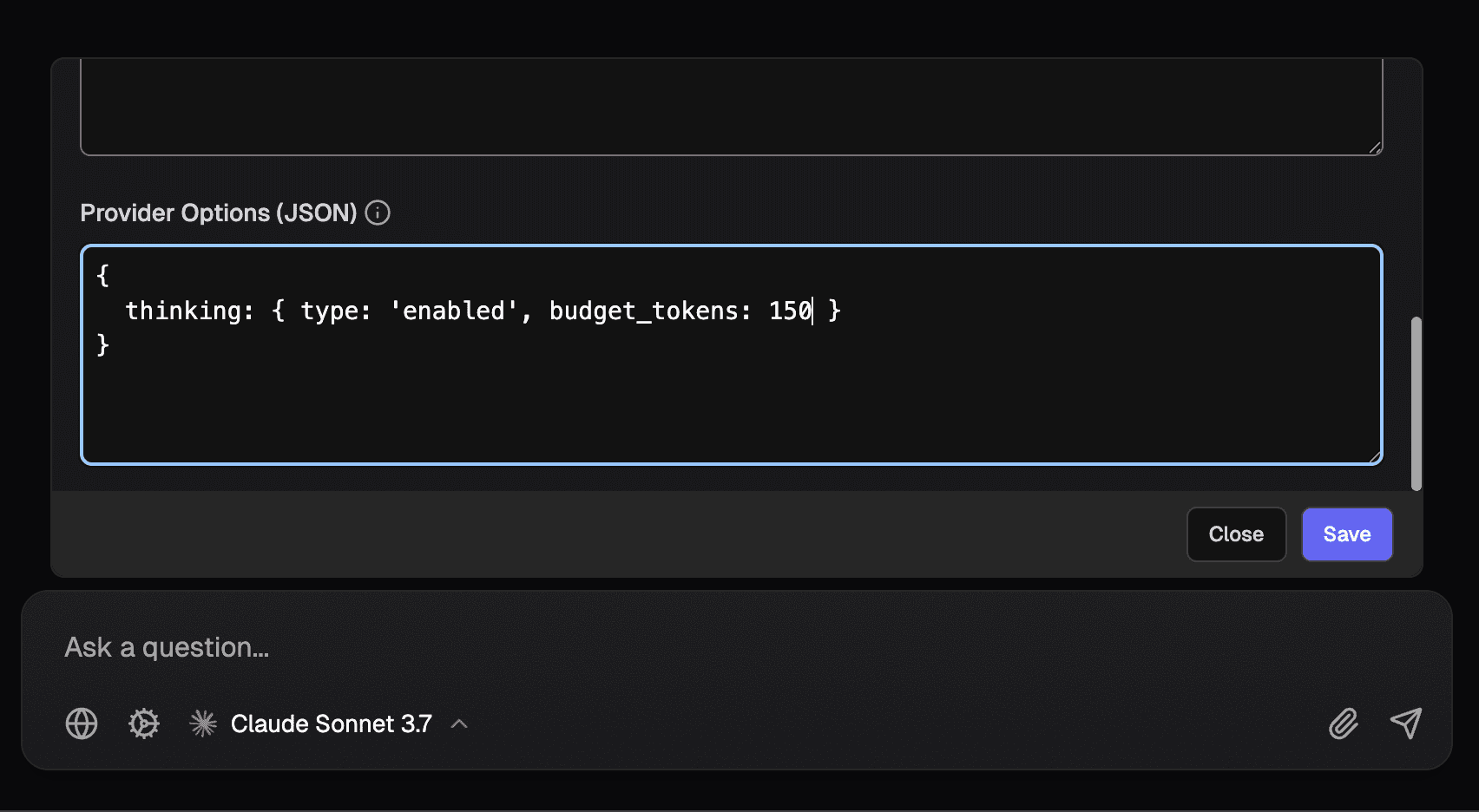
The chat config settings include a section for Provider Options (JSON) where you can pass additional parameters to model providers:
- These options are passed directly in the body of API requests
- Must be valid JSON. No trailing commas but quotes can be omitted for keys
- Press save to save changes
- Refer to Vercel AI SDK Providers documentation and your provider's API docs for available options
Provider Options Examples
For Gemini image generation:
For Claude extended thinking: